Where to Download Anime Clips the Right Way
A quick heads up before we start. This guide covers downloading raw anime footage, and depending on where you live, that can sit in a legal grey area. You do not own the rights to the anime; the studios and animators do. If you prefer to stay fully on the safe side, this method may not be for you. That said, if you have ever wondered where we source our clips or how to grab high quality raw anime for editing, here is exactly how we do it.
What "raw" anime actually means
"Raw" simply means the original, untouched source of the footage. It usually comes as a .mkv file, a high quality video container. This is the cleanest material to edit with, because it has not been re-compressed by a streaming site or a social platform.
The best place to find raw anime: nyaa.si
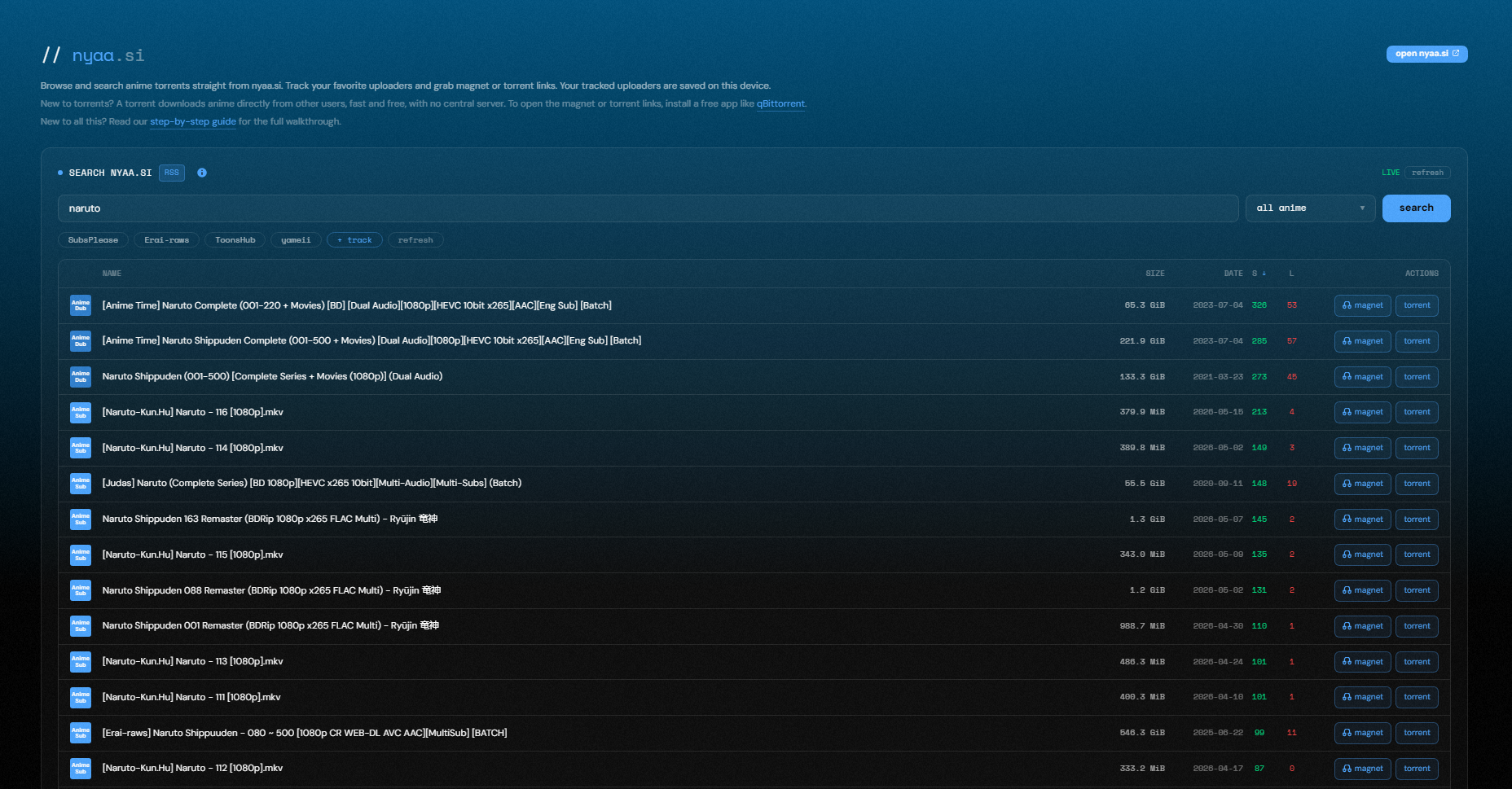
The go-to platform is nyaa.si. Millions of people use it every day and upload episodes and movies constantly, so it is the easiest place to find a source for almost any title. New uploads appear fast, so even recent episodes show up quickly.
To make this even easier, we built our own nyaa browser right into animeclips.online. The screenshot below is that page, so you can click it to head straight there and start searching and grabbing sources without ever leaving the site.
How torrenting works, in plain English
To download from nyaa.si you first need to understand torrenting. Instead of pulling a file from one central server, torrenting shares it between people. One person has the original file, and once you download it you can "seed" it, which means you help send pieces to the next person. So you download from others and give back at the same time. Your file keeps seeding as long as you leave it in your torrent app, until you choose to stop.
Get the right torrent app (skip uTorrent)
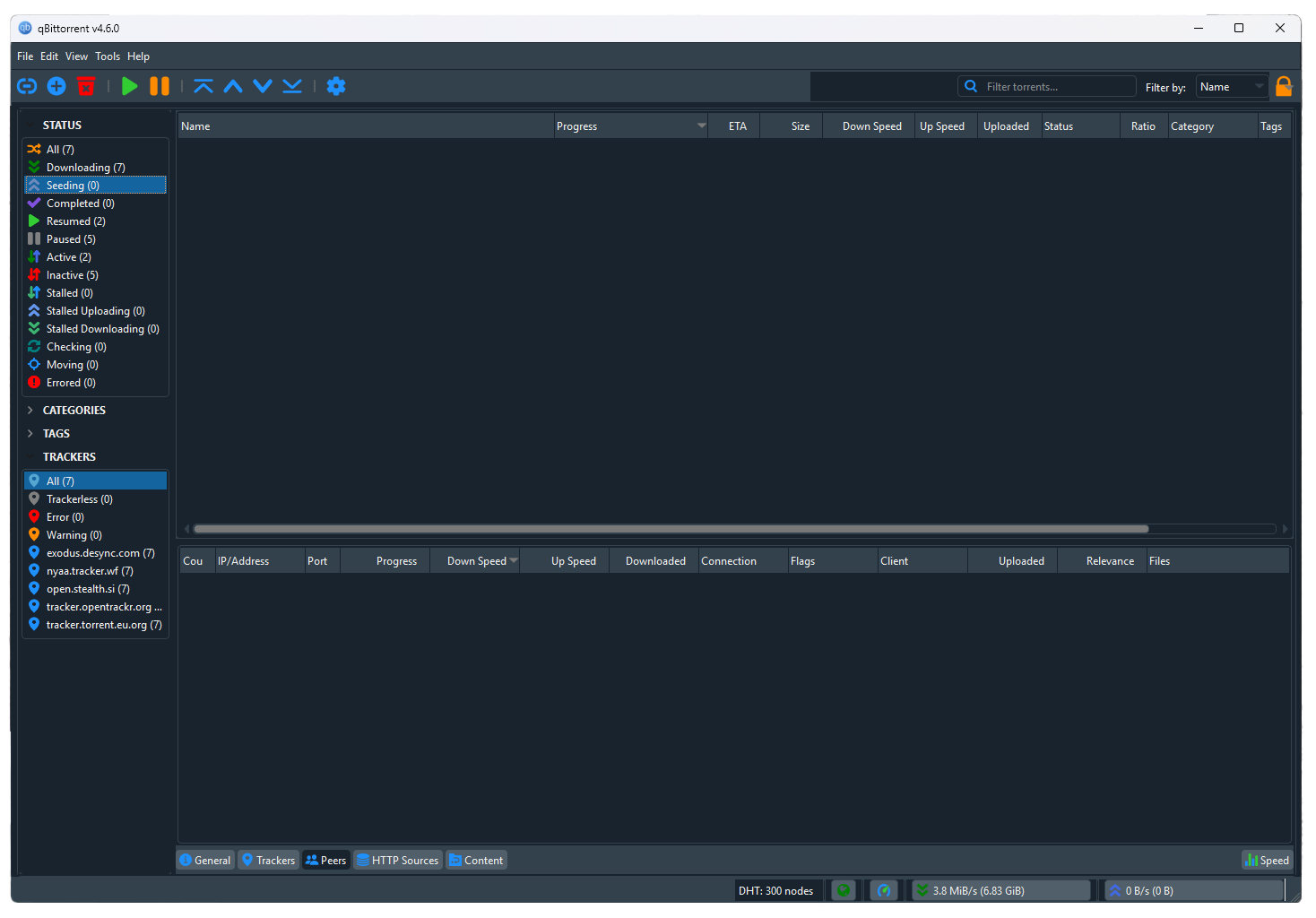
You need a torrent client to open these files. If you are still using uTorrent, we recommend uninstalling it and switching to qBittorrent. It is free, lighter, and has none of the ads or bloat.
Once qBittorrent is installed, downloading is simple. You have two options:
- Download the .torrent file from nyaa.si and open it in qBittorrent, or
- Click the magnet icon on the listing, which opens qBittorrent and starts the download for you.
One thing to keep in mind: for older or obscure anime there may be no active seeders, which means the file cannot finish. For popular titles you will almost always find people seeding.
Getting your footage into .mp4 with AMVtool
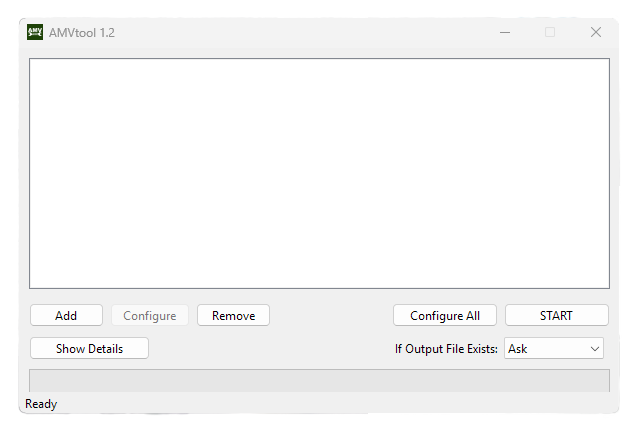
Most editing software does not play nicely with .mkv files (After Effects 2019 is one of the few that reads them). The easiest fix is a free tool called AMVtool.
Here is the part most people miss: you usually do not need to re-encode anything. A .mkv and an .mp4 are just containers, like two different boxes holding the same video and audio inside. AMVtool can remux your file, which simply means it repackages the existing video and audio into an .mp4 box without touching a single frame. The quality stays exactly the same as your source, and it finishes in seconds instead of minutes.
Here is how to do it:
- Click Add and select your .mkv file.
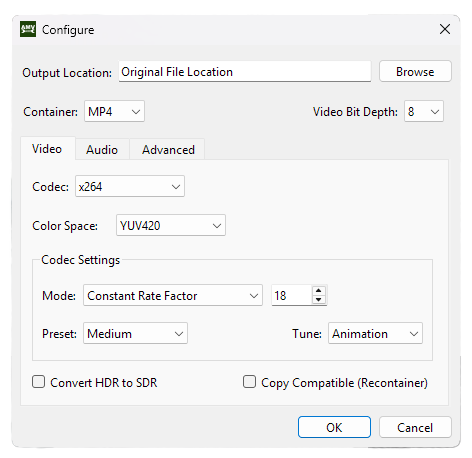
- Click Configure and set the Container to MP4.
- Leave the video codec on Copy to remux with zero quality loss. If your editor needs a specific codec, you can pick one like x264 instead, but that re-encodes and takes longer.
- Click Start, and AMVtool gives you a ready-to-edit .mp4.
A few things to know before you download
- Raw files are large. Make sure you have enough drive space first.
- Want to save space? Look for "HEVC" sources, which are smaller at the same quality.
- If .mkv sounds like too much hassle, you can often find .mp4 versions directly on nyaa.si. Just add ".mp4" to your search to filter for them.
- .mp4 versions may lose a little quality compared to the raw source, but they are still very usable, and you can run them through a video upscaler or AI tool to clean them up.
Wrapping up
That is the full workflow we use to get anime at its best quality: find the source on nyaa.si, download it with qBittorrent, and remux it to .mp4 with AMVtool when your editor needs it. After a couple of tries it becomes second nature.