Our goal is to make the process of making AMVs easier by providing the community anime clips that are pre-cut. All you have to do is browse an anime episode or movie and you will find a selection of anime clips cut by us. The anime cuts are selected manually without any usage of AI. We carefully select what we think is best when it comes to scene selection. We are AMV editors ourselves and so we understand the importance of good scene selection. We emphasize on the quality of the scene selection rather than the amount of clips that were cut.
A few years ago, a project called weeklyamvcontest was launched. The idea was simple. Through a weekly AMV contest, editors would be provided with a set of anime clips packs which were later known as WAC clips. Editors would have to use these anime clips and make an AMV to enter the contest. While this project shut down a few years ago, we thought it was a shame that this resource was no longer available and so we decided to take over the project and rebranded it to what it is today. We have now been online since ~2021.
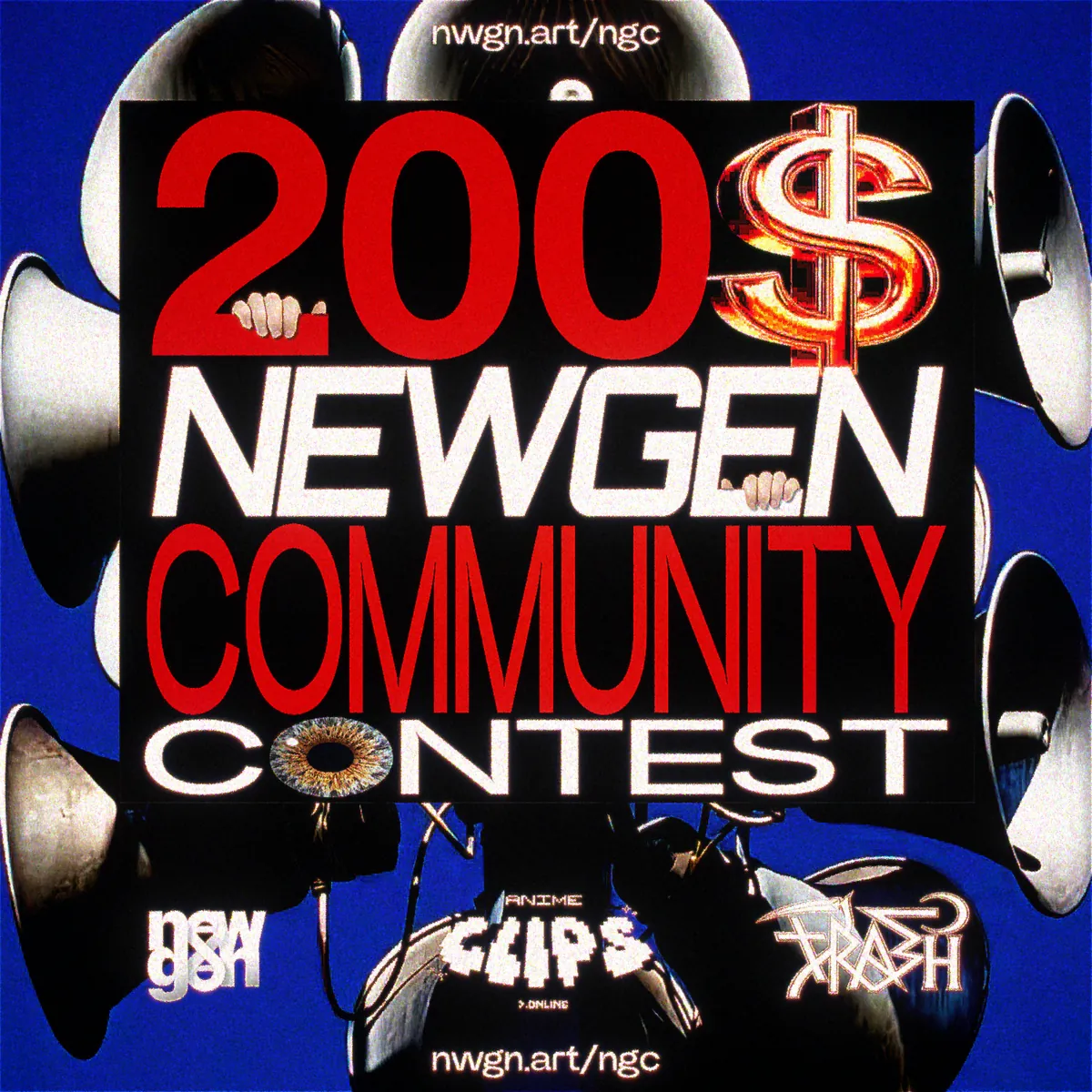
Pick one limitation, make your edit, and submit before the July 1 deadline.

[X] = completed or in progress, [ ] = planned.
[X] = completed or in progress, [ ] = planned.
why is animeclips.online?
We are a brand dedicated to providing free anime clips for video editing but specifically for making AMVs. You can download our clips without having to login or sign up an account. You don't have to worry about the clips being in 30 fps or 60 fps because we will always provide them at their original framerate. The clips provided by us are also manually selected so that you don't have to do it yourself. Only download the clips you need.
are the anime clips copyrights free?
We do not own any copyrights to the anime clips. What you do with the clips after you download them from our website is your own responsibility. We are not liable for any copyrights infringement. What we're doing is repurposing long anime episodes into short clips to make it easier to use them. How you choose to use the anime clips is again your own responsibility.
We do not sell any license nor do you need to ask us permission to use them in your content.
Any promotion is however appreciated so that people can find our website. We are a community-funded project with a membership for those who wish to support us.
do you have full anime episodes?
We do not provide full raw anime episodes. Only pre-cut clips that we do manually ourselves.
We recommend you read our blog to help you find where you can download full anime episodes.
how do you change the language for the clips?
We are not a streaming website. We only provide clips in their original format (framerate and audio).
We will sometime cut the anime in English dub when available but usually japanese.
We will prioritize cutting in English dub in the near future if available.
clips are missing on the anime clip folder page?
If you only see the animeclips.online logo when you're on the page of an anime or you see missing episodes then it means that the clips didn't load properly.
Simply click on the refresh button on the right corner to have them load again.
when do you release new anime clips?
We try to release a few anime per month when possible. Sometimes, we have other priorities and it makes it harder for us to be on time.
Our team works on cuts in batches, so we can only do as much in a given window. If you do not see an anime featured on our website then it means that it is not currently available from us or has yet to be released or may be planned later.
Planned anime will be advertised with "COMING SOON" and be visible on the website's clips page.
how do you encode (render) the anime clips?
When it comes to the encoding of the clips, we follow a very forward process which starts with acquiring the anime episode or movie in question in its original format when possible. The format we usually look for are in .mkv (HEVC). We then make sure that it's a good quality source before proceeding to cut it into clips.
Once we've confirmed the quality, the anime is cut in section and rendered out in .avi which are then encoded in .mp4 for the final delivery. We limit our compression to 15-20 Mbps in order to keep the file size relatively small while also keeping most of the quality.
You may notice some pixel tears or artifacts in some of our older clips due to our older method but also due to the nature of the anime clip itself where 15 Mbps may not always be enough to display a good quality anime clip. Most of those issues have however been fixed and in some cases the anime was updated with new cuts.
If you have an issue with some of the clips or notice some pixel tearing, please contact us.
what format are the anime clips?
All of our clips are encoded in .mp4 files ready to be used in popular software or apps like Vegas Pro and Adobe After Effects. We do not provide clips with Twixtor or rendered in 60 fps. All of our anime clips comes in their original framerate and resolution which are usually in 23.976 fps with the resolution of 1920x1080p or in 1440x1080p including any other format the original anime was rendered.
You will also sometimes notice that some of the clips are also rounded to 24 fps which is due to our encoding.
The audio for the clips will usually be in japanese or in english.
Please also keep in mind that some of our clips were cut back in 2017 and some of them may not have audio.
All of our clips use the H.264 (AVC) 8-bit codec, not HEVC, so they stay universally compatible with any editing software. If you have issues with some of the clips, please let us know.
what ai are you using for the anime clips?
There is a misconception that our process is using AI but we do not use any AI. Therefore there is no backend API.
All the anime clips you see on this website are manually cut and selected by real humans.
Hopefully this answers the people who kept asking "access" to our API/AI backend for their projects.
i get the error "network failed" after the download?
Unfortunately, this issue is usually out of our control and may be related to your connection or to our video hosting server. The quick fix for this problem would be to only download a few clips at a time instead of a folder which will make it less likely for you to have corrupted files. We also only recommend that you download a batch of folders if you have fast internet (preferably cable internet rather than wifi).
If it still doesn't work, make sure your VPN isn't limiting your network access if you are using one. You can also become a Patreon member and get access to our backup Google Drive.
We will be making a guide at a later time on certain workaround that might help you fix this issue.
does animeclips.online have a mobile app?
We currently do not have an app for mobile users but it is on our list of projects in the near future as we reach our monthly goals.
For now, we will try our best to make the browsing experience smoother for mobile users.