13 Free After Effects Plugins Every New AMV Editor Should Install
After Effects is what almost every serious AMV editor lands on eventually. It is the most powerful tool out there for typography, glow, motion design, color, transitions, and compositing in the AMV world. The catch is that out of the box, AE is missing some of the obvious workflow tools beginners expect. There is no proper effect search. No real media browser. No way to keep a 100-layer timeline scannable. And no quick way to drop a bouncy animation, a clean glow, or a chromatic aberration without keyframing every property by hand.
Good news: the After Effects community has built free plugins for almost all of these gaps. The list below covers the ones I would install on day one if I was starting AMV editing today, plus a longer list of bonus plugins worth grabbing the moment you need them. Every plugin here is genuinely free, with no asterisks.
Day-one installs (the must-haves)
These are the core. Each one fixes a specific pain point that AE itself ignored, and they pay back the install time within hours. Watch the embedded video on each pick to see what the plugin actually looks like in action.
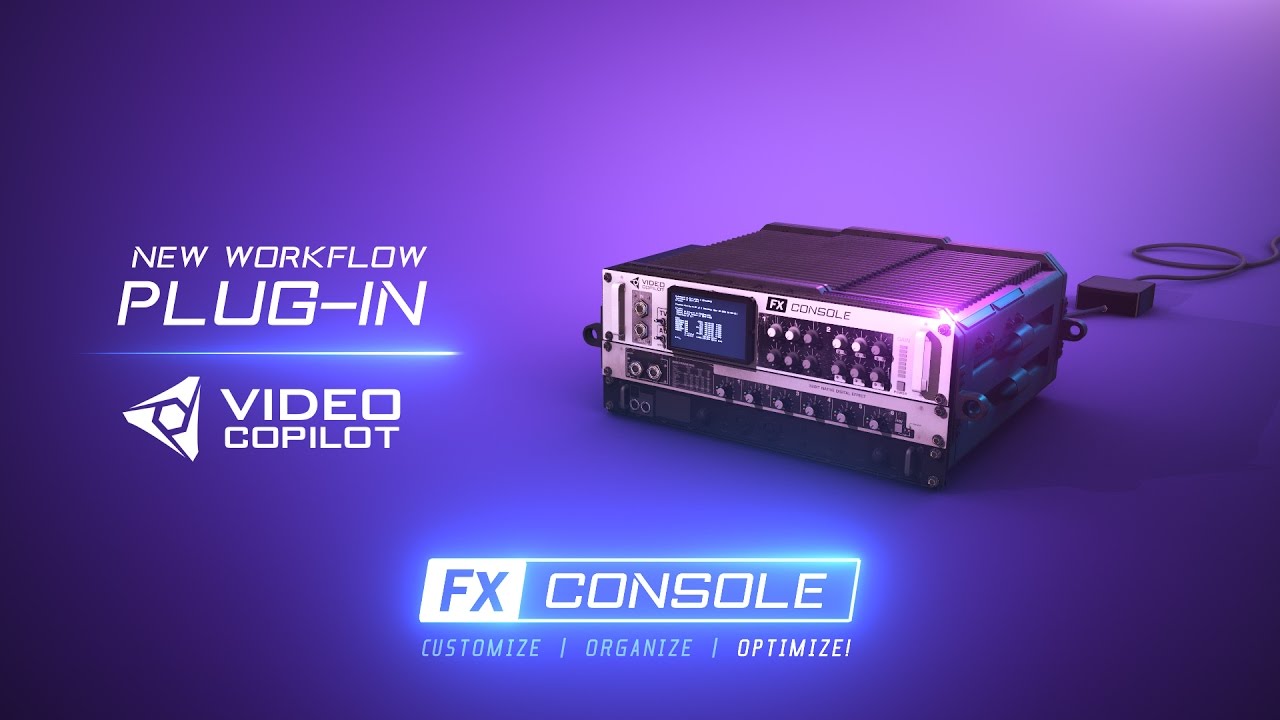
FX Console: instant effect search
by Video Copilotfree, forever
This is the one I would install first. FX Console is probably the most-recommended free After Effects plugin in every beginner tutorial, and once you use it for a week you will understand why.
Three things you get the moment you install it. First, instant effect search: tap a keyboard shortcut, type the first few letters of any effect ("curv" for Curves, "glow" for Glow, "lev" for Levels), hit Enter, and the effect drops onto your selected layer instantly. No more hunting through the Effects menu by category. Second, a one-click viewport snapshot tool that saves a clean PNG of your current comp frame, perfect for reference, sharing work-in-progress, or keeping a record of how a shot looked at each stage. Third, and this is the one most beginners miss: you can save any effect (or full stack of effects with all your custom settings) as a named preset and recall it from the same search panel. That turns FX Console into a personal effects library that grows as you work.
It sounds small on paper, but in practice it removes three of the most repetitive friction points in After Effects. Made by Video Copilot, the same team behind Element 3D and the legendary Andrew Kramer tutorials.
AEVIEWER 2: the media browser AE never had
by MotionLandfree version is enough for most beginners
After Effects ships with a built-in Media Browser panel that, honestly, barely does anything useful. AEVIEWER 2, from MotionLand, replaces it entirely.
You point it at a folder on your computer and it gives you proper previews of After Effects project files (.aep), motion graphics templates (.mogrt), Photoshop and Illustrator files, audio clips with waveforms, images, and videos, all without actually importing or opening them. You can save folders as favorites, build themed "collections" of assets, and search across your whole library instantly.
For an AMV editor, the big win is that you can finally see what is inside a project or template before you commit to it. No more opening a file, looking around, closing it, and opening the next one. The paid Pro adds extra format support and authoring tools, but the free version is what most editors stick with.
Mister Horse Animation Composer: a free library of motion, transitions, titles, and sound
by Mister Horsefree, up to 500 library items in the free tier
Mister Horse Animation Composer is one of those plugins that makes you wonder how it can be free. You install it and instantly get a panel inside After Effects (and Premiere Pro) full of drag-and-drop animations, transitions, titles, and sound effects. As a beginner you can produce work that looks polished on day one without keyframing every property from scratch.
The free version covers a lot of ground. You get up to 500 items from the library, including motion presets you can drop onto any layer, full transition packs that auto-scale when placed on a cut, ready-made social media titles, and basic sound effects like swooshes, slides, clicks, and blasts with adjustable pitch. There is also a user library where you can save your own presets so they are one click away forever.
It installs alongside their free Mister Horse Product Manager, which is the launcher that keeps the plugin and any extra packs you add up to date. No license keys, no logging in to grab an update.
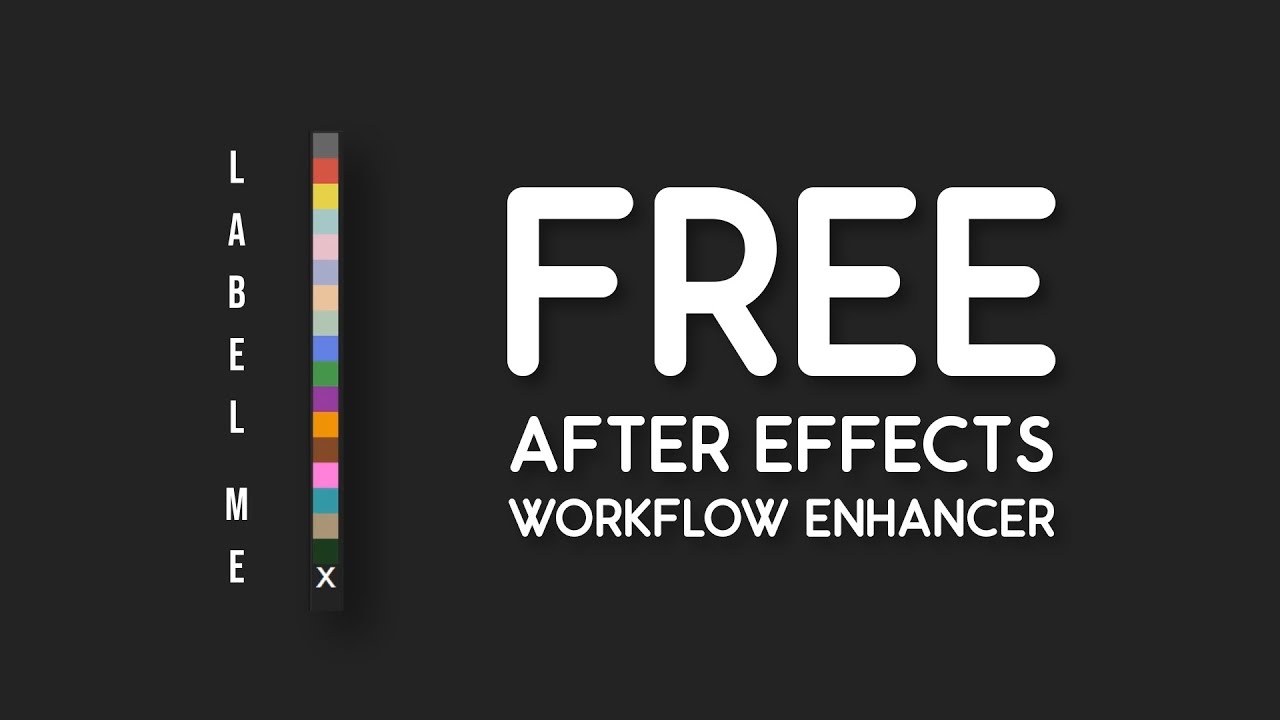
Label Me: a faster way to color-code your timeline
by ScarecrowArtsfree, open source
This one sounds tiny, but install it on day one and your future self will thank you. By default, every layer you create in After Effects gets the same label color, and after about 30 layers your project becomes an unreadable wall of yellow. Labeling things by hand through right-click menus is too slow to be a habit. Label Me by ScarecrowArts fixes that by turning labeling into a single click.
It gives you a slim dockable panel showing every AE label color as a clickable square. Select your layers (or items in the project panel), tap a color, done. No menu diving, no right-clicking to find the Label submenu. The panel scales horizontally or vertically, so you can dock it as a thin bar on either side of your workspace and forget it is there.
It reads from After Effects' own preferences for custom label color names and hex codes, so if you have already set up your own palette, Label Me uses it automatically. On AE 22.6 and up it also colors keyframes, including mask and shape path keyframes. The whole thing is open source on GitHub (Apache 2.0), has been downloaded over 10,000 times, and since it is a script it works on both Windows and Mac.
More free plugins worth installing
Once your day-one stack is in, here is the wider list of free plugins I would keep on standby. Some are AMV-specific (chromatic aberration, glow, displacement transitions, unmult). Some are general workflow boosters. All are free, and each card below has the official preview video baked in. Tap a card to play.
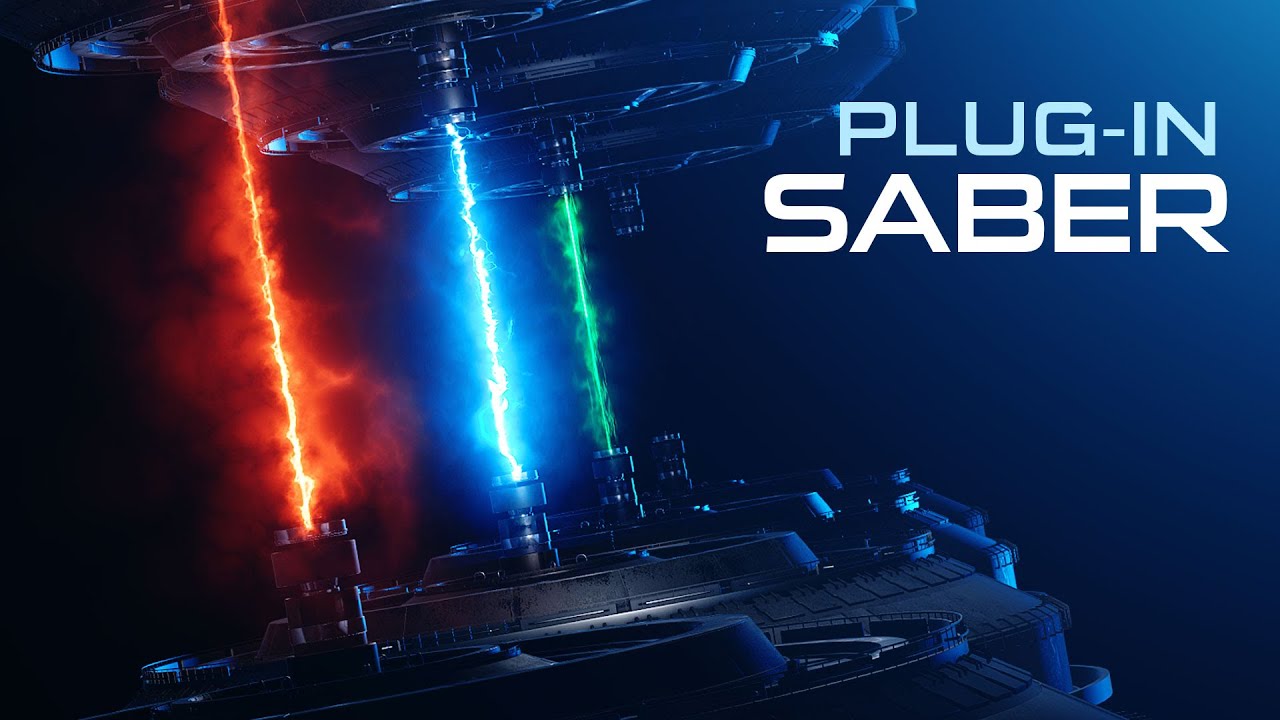
Saber
Video Copilot · free
Cinematic energy beams, lightning, glowing text, lightsabers, neon outlines. Drop it on a solid, point it at a mask or text layer, and pick a preset. The fastest way to add real visual punch without learning compositing.
Get Saber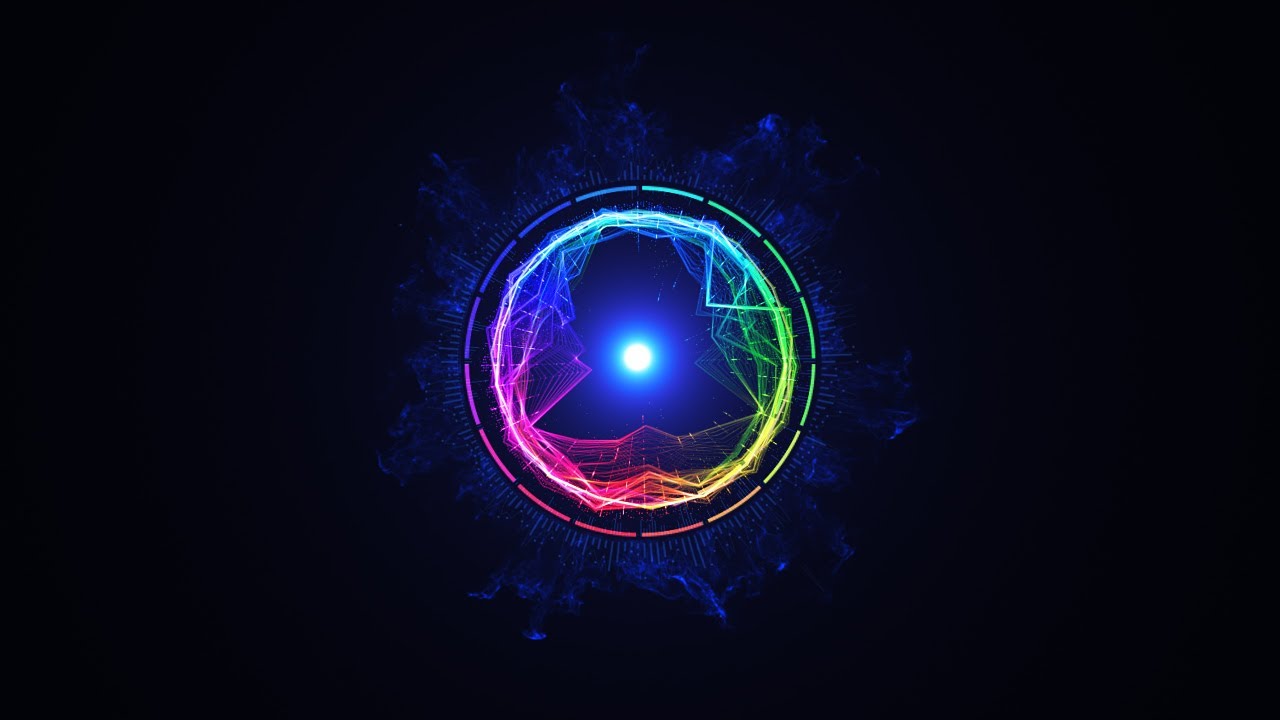
Color Vibrance
Video Copilot · free
A smarter version of AE's built-in vibrance. Boosts saturation in a more natural, film-like way while protecting skin tones, so colors pop without the cheap oversaturated YouTube-thumbnail look.
Get Color Vibrance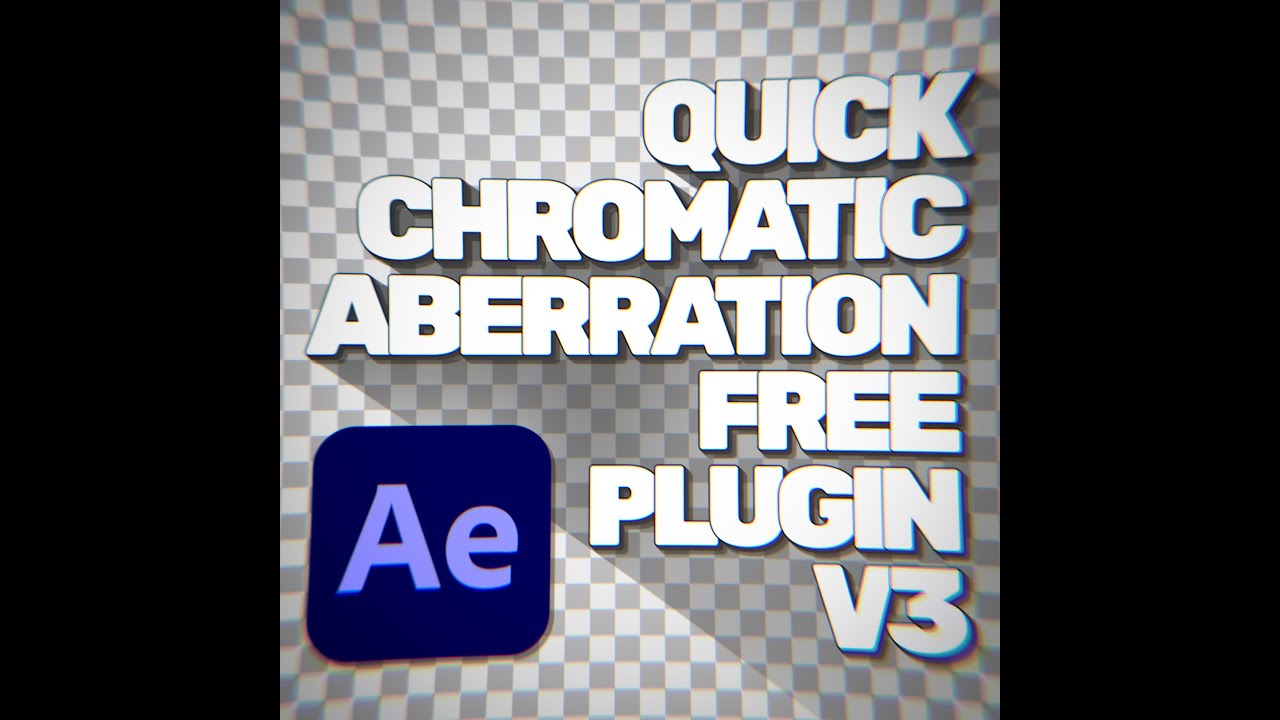
Quick Chromatic Aberration
Plugin Everything · free
The RGB split / RGB shift effect that shows up on basically every modern AMV. Adjustable amount, angle, hue, edge fading. Probably the most useful single-effect plugin in the AMV community.
Get QCA
Displacer Pro
Plugin Everything · free
Like AE's built-in Displacement Map, but actually good. GPU-accelerated, supports translation, rotation, and scale, with proper motion blur and 32bpc. Perfect for funky displacement transitions on a beat.
Get Displacer Pro
Thicc Stroke
Plugin Everything · free
A variable-width stroke plugin for masks and shapes. Multi-color gradients, full trim path controls, infinite width control points. Way more capable than AE's stock stroke and great for kinetic text and impact lines.
Get Thicc Stroke
Repeater
Plugin Everything · free
Repeat any layer (text, solid, footage, shape, 3D) into a clean grid or array. Works with live text and continuously rasterized layers, which CC Reptile and Motion Tile cannot do. Easy to animate the offset, spacing, and stagger.
Get Repeater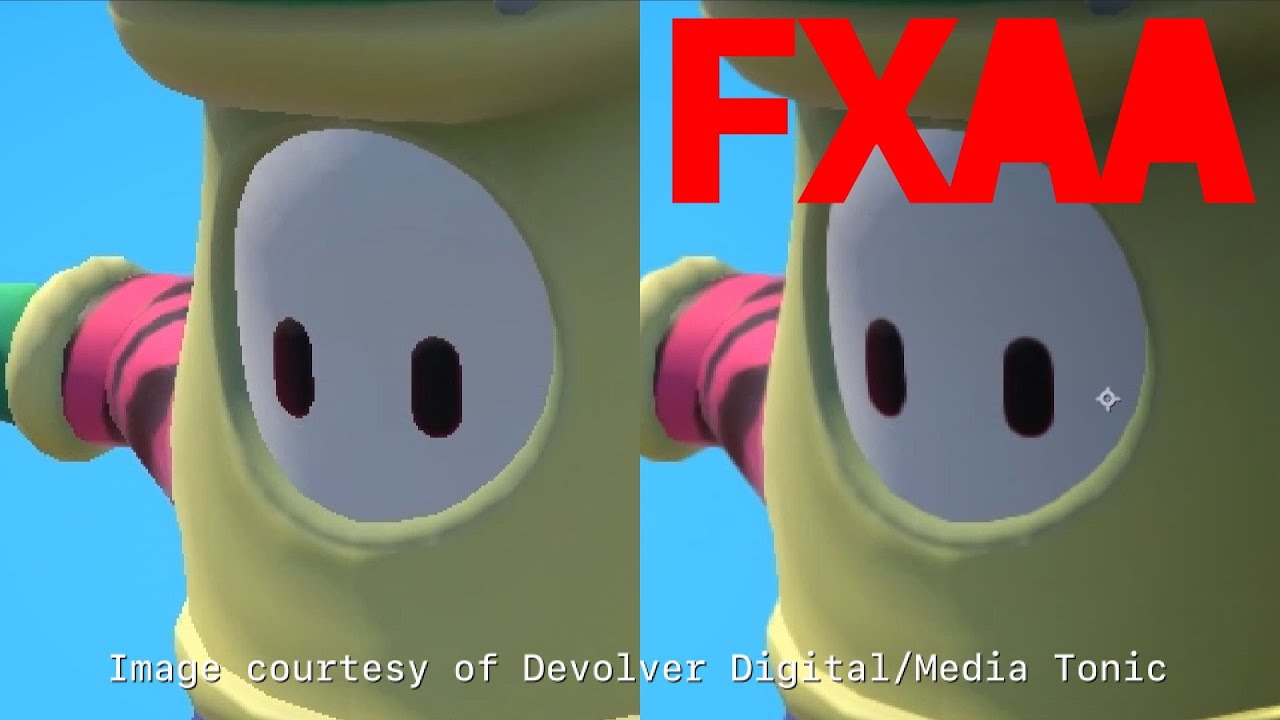
FXAA
Plugin Everything · free
Fast Approximate Anti-Aliasing, the same technique used in games, ported to AE. Kills jagged stair-step edges on logos, lower-res footage, and motion-blurred elements without slowing your renders down.
Get FXAA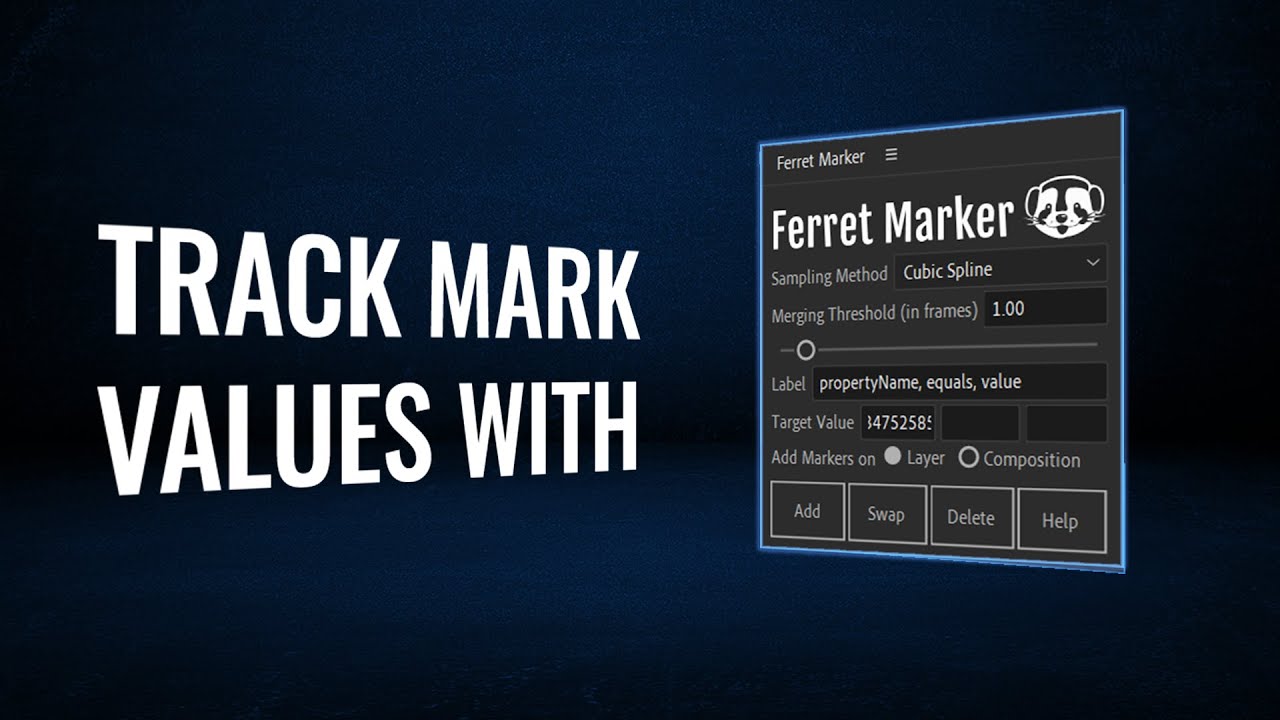
Ferret Marker
aescripts · free
Pick any animated property and a target value. Ferret Marker scans the timeline and drops a marker on every frame where the value is hit. Quietly useful for syncing animation to a specific number or beat.
Get Ferret Marker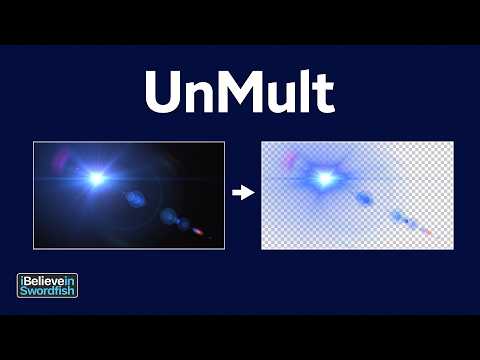
UnMult
aescripts (iBelieveInSwordfish) · free
The classic plugin for removing the black background from lens flares, sparks, glows, and lighting elements without setting transfer mode to Screen. A staple in every AMV editor's effects folder for over a decade.
Get UnMultJust for fun
One last one because it makes me laugh every time. Extended Coffee Break by Plugin Everything is a free joke plugin that artificially slows your render so you can take a longer break. Yes, that is the entire feature. No, you should not actually use it.
But the fact that it exists, and that it is free, and that the AE community took the time to build and host it, tells you everything you need to know about how alive the plugin scene is. There is a free tool for almost everything in After Effects. You just have to know where to look.
FAQ
Are these plugins safe to install?
Yes. Every plugin in this article comes from established developers and is hosted on one of the most trusted sources in the AE community: Video Copilot, aescripts (which is also where Plugin Everything publishes), and Mister Horse. They have been around for years, are used by working motion designers and AMV editors, and are free of malware.
Do they work on Mac and Windows?
Yes. All the plugins here are cross-platform and work on both Mac (including Apple Silicon native for the more recent ones) and Windows.
Do they work in the latest After Effects?
Yes. All of them are actively maintained for current versions of After Effects. Mister Horse Animation Composer, AEVIEWER 2, and the Plugin Everything tools all post updates regularly.
Will I outgrow them as I get better?
Probably not. These are the kinds of tools professional editors keep installed forever. FX Console, AEVIEWER, Animation Composer, and Label Me in particular show up in pro setups constantly. The free versions cover everything a beginner needs and most of what a pro needs day to day.
Are there paid upgrades I should worry about?
Only two of the day-one picks have paid upgrades. AEVIEWER 2 has a paid Pro with extra format support and authoring tools, and Mister Horse Animation Composer has paid packs that expand the library beyond the free 500 items. The bonus plugins (Saber, Color Vibrance, QCA, Displacer Pro, Thicc Stroke, Repeater, FXAA, Ferret Marker, UnMult) are all fully free, no upsell.
Which one is the most useful for AMV editors specifically?
From the day-one picks, FX Console is the single most useful plugin in this whole article, even ahead of the bigger flashy names. It quietly does three jobs at once: instant effect search by typing the name, one-click viewport snapshots, and saving any effect or full effect stack as a recallable preset. Once it is set up, you basically stop reaching for the menu bar. Mister Horse Animation Composer is the runner-up because the free sound effects pack alone saves real time on every edit. From the bonus picks, Quick Chromatic Aberration and Saber are the two AMV editors grab first, since RGB split and glow show up in basically every modern AMV.